 English
 Español
 Català
 Français
 Deutsch
 Italiano
 Português
 Nederlands
 Dansk
Dansk Suomi
Suomi Norsk
Norsk Svenska
 Polski
 Čeština
 Română
 Ελληνικά
 Türkçe
 Українська
 Русский
 العربية
 हिन्दी
 ไทย
ไทย Bahasa Indonesia
 Bahasa Melayu
 Filipino
 Te reo Māori
 Tiếng Việt
 日本語
日本語 한국어
한국어 简体中文
简体中文 繁體中文
繁體中文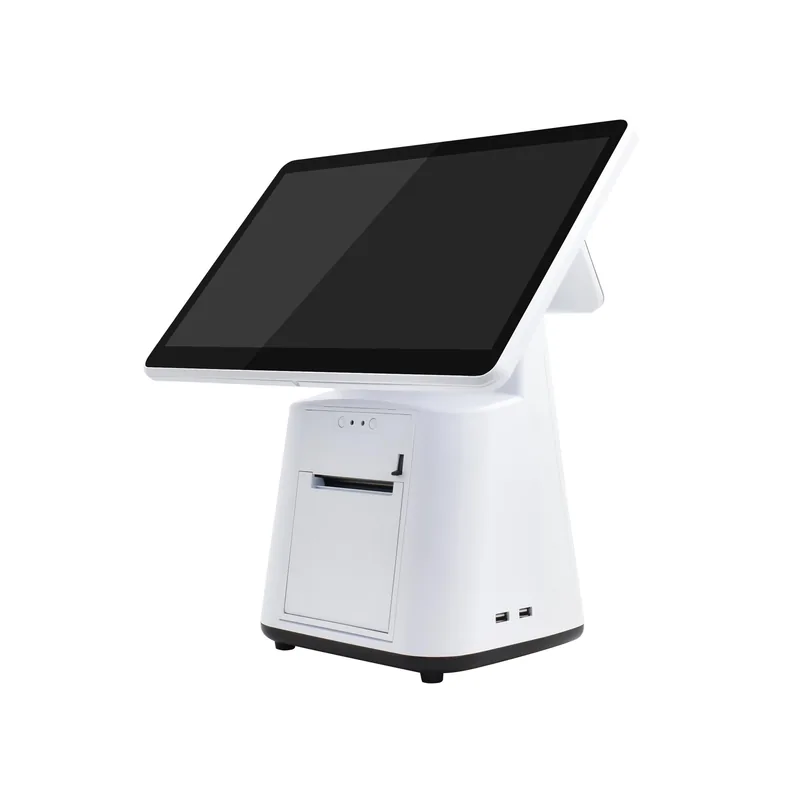
Single screen
One main screen and a built-in printer in an all-in-one counter layout.
Ask about this deviceMenuSnap · POS hardware
15.6-inch main display, built-in 80 mm receipt printer. Single and dual-screen options for ordering and checkout with MenuSnap.
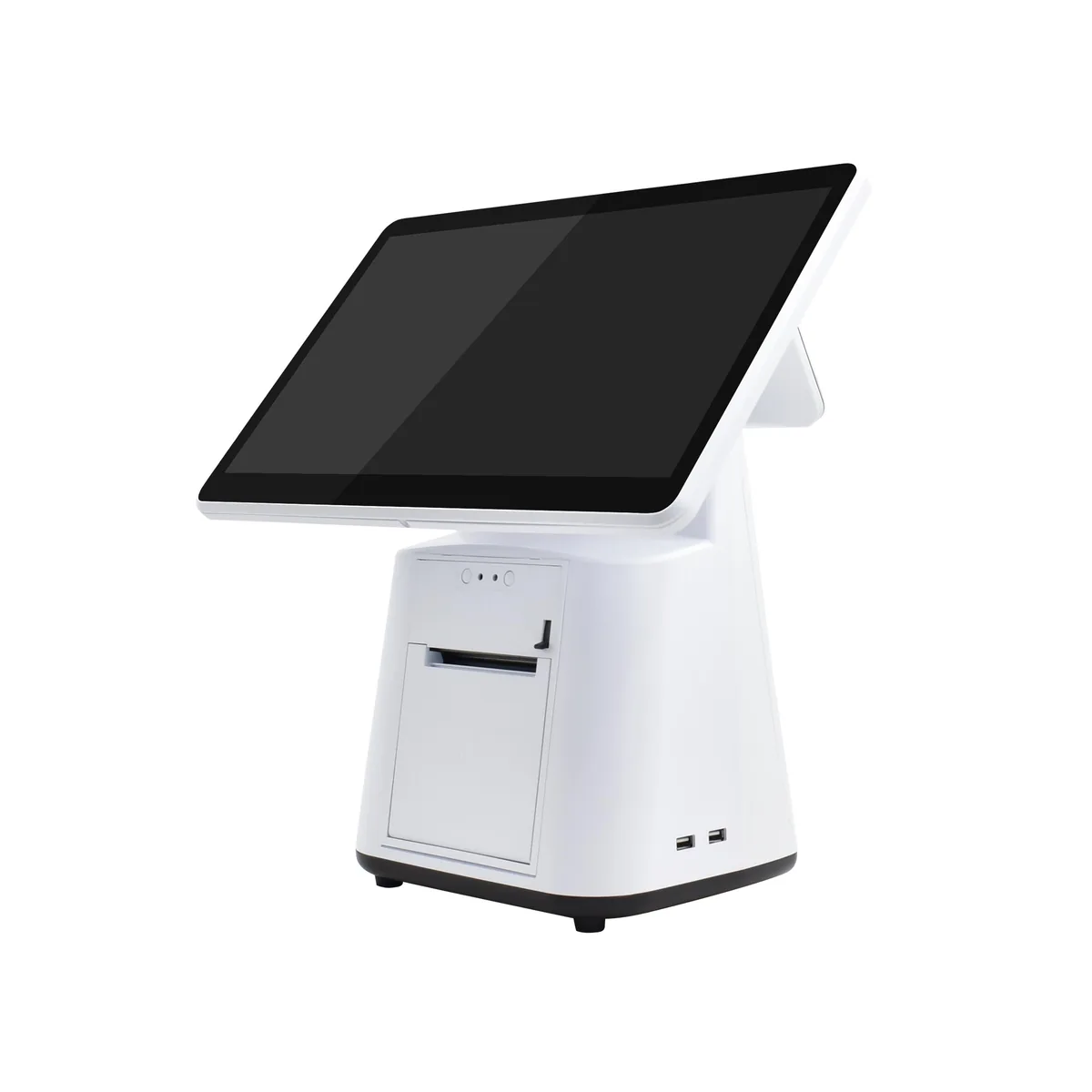
One main screen and a built-in printer in an all-in-one counter layout.
Ask about this device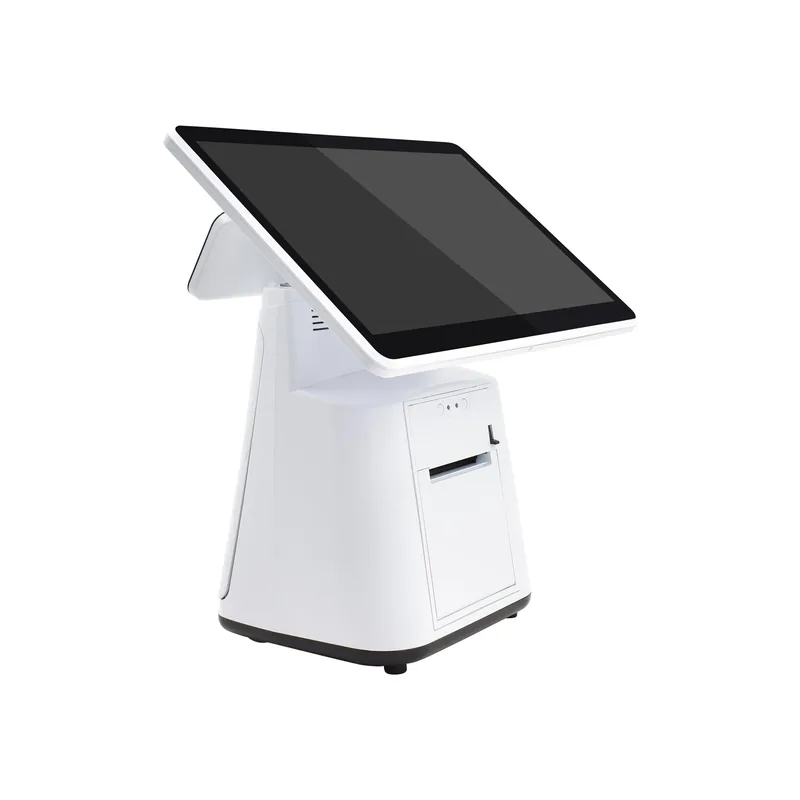
A main screen with a smaller second display for a compact dual-screen layout.
Ask about this device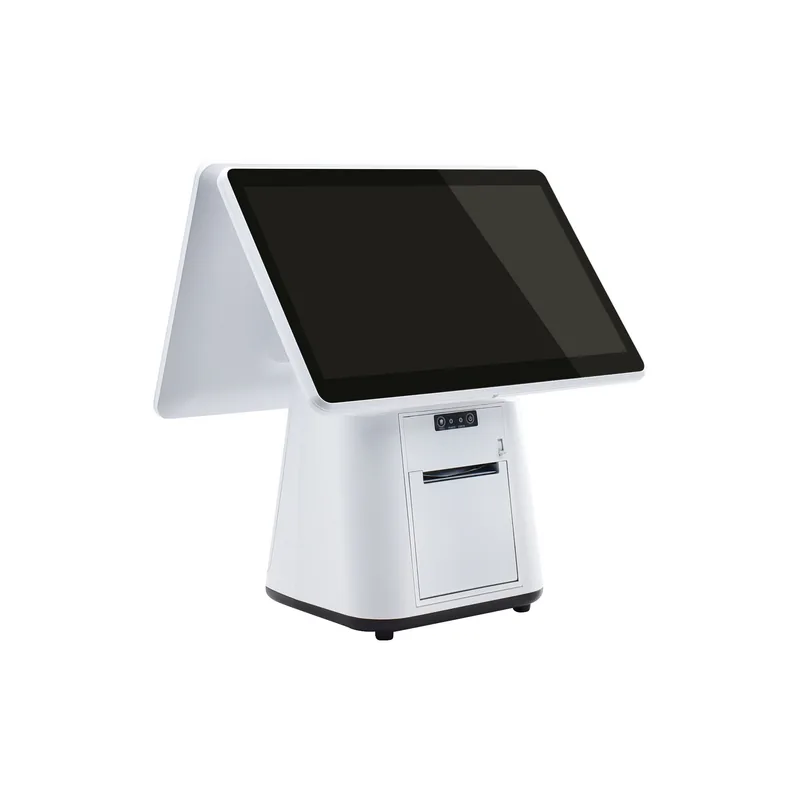
A main screen with a larger second display for more customer-facing display space.
Ask about this devicePair your terminal with MenuSnap POS for front-of-house orders and checkout.
Use MenuSnap POS to handle front-of-house orders and checkout on the main screen.
An integrated 80 mm printer keeps the main screen and receipt output in one terminal.
Choose a single screen, a small second display or a large second display to suit your counter.
The hardware is optional and is not included in a MenuSnap software subscription. You can keep using compatible Android or Windows POS devices, iPad, iPhone, Android phones and tablets, and Mac, Windows or Linux computers. Phones can use the staff workspace, while iPad and computers can access the web POS through a compatible browser; installable clients are limited to the official releases available in the download centre.
Choose a single screen, a small second screen or a large second screen to suit your counter space and display needs. Contact us for configuration details.
MenuSnap supports compatible ESC/POS receipt printers with a paper width of 58 mm or 80 mm. Ethernet, Wi-Fi, USB or Bluetooth connections are available depending on the device and client. Wi-Fi printers must support TCP printing over the local network; USB requires a supported Windows/macOS client or printing service; Bluetooth is supported by the Android client with classic Bluetooth SPP printers. Printing also requires the appropriate MenuSnap plan and correct printer configuration. The web POS needs a compatible client or printing service.
The secondary screen is for customer-facing display, not a card payment terminal; the content it can show depends on device and software support. You can continue taking card payments with your existing independent payment terminal, then record the payment in MenuSnap after it succeeds.
Initial setup, guest QR ordering and cloud order operations require an internet connection. Keep a stable connection during service so that orders, kitchen status and payment records can sync promptly. After an outage, restore the connection and check the latest order and payment status before continuing, to avoid duplicate actions.
Contact us to discuss device configurations and using them with MenuSnap.