 English
 Español
 Català
 Français
 Deutsch
 Italiano
 Português
 Nederlands
 Dansk
 Suomi
 Norsk
 Svenska
 Polski
 Čeština
 Română
 Ελληνικά
 Türkçe
 Українська
 Русский
 العربية
 हिन्दी
 ไทย
 Bahasa Indonesia
 Bahasa Melayu
 Filipino
 Te reo Māori
 Tiếng Việt
 日本語
 한국어
 简体中文
 繁體中文
Products
Choose the tools for the way you serve.
Start with how guests order, how your team serves and what you need to manage. Combine MenuSnap tools around those needs, with the features and allowances in your plan.
Build a connected order workflow.
The guest, cashier and kitchen have different jobs. Connect the tools your restaurant needs and confirm the handoff between them.
Guest ordering
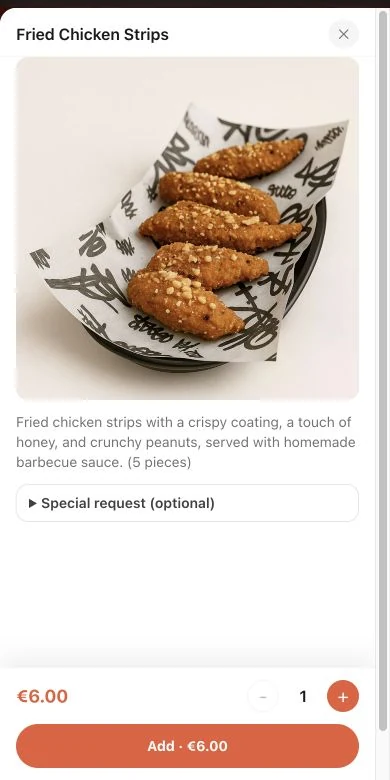
Let guests explore the menu and order together from their own phones.
Learn morePOS checkout
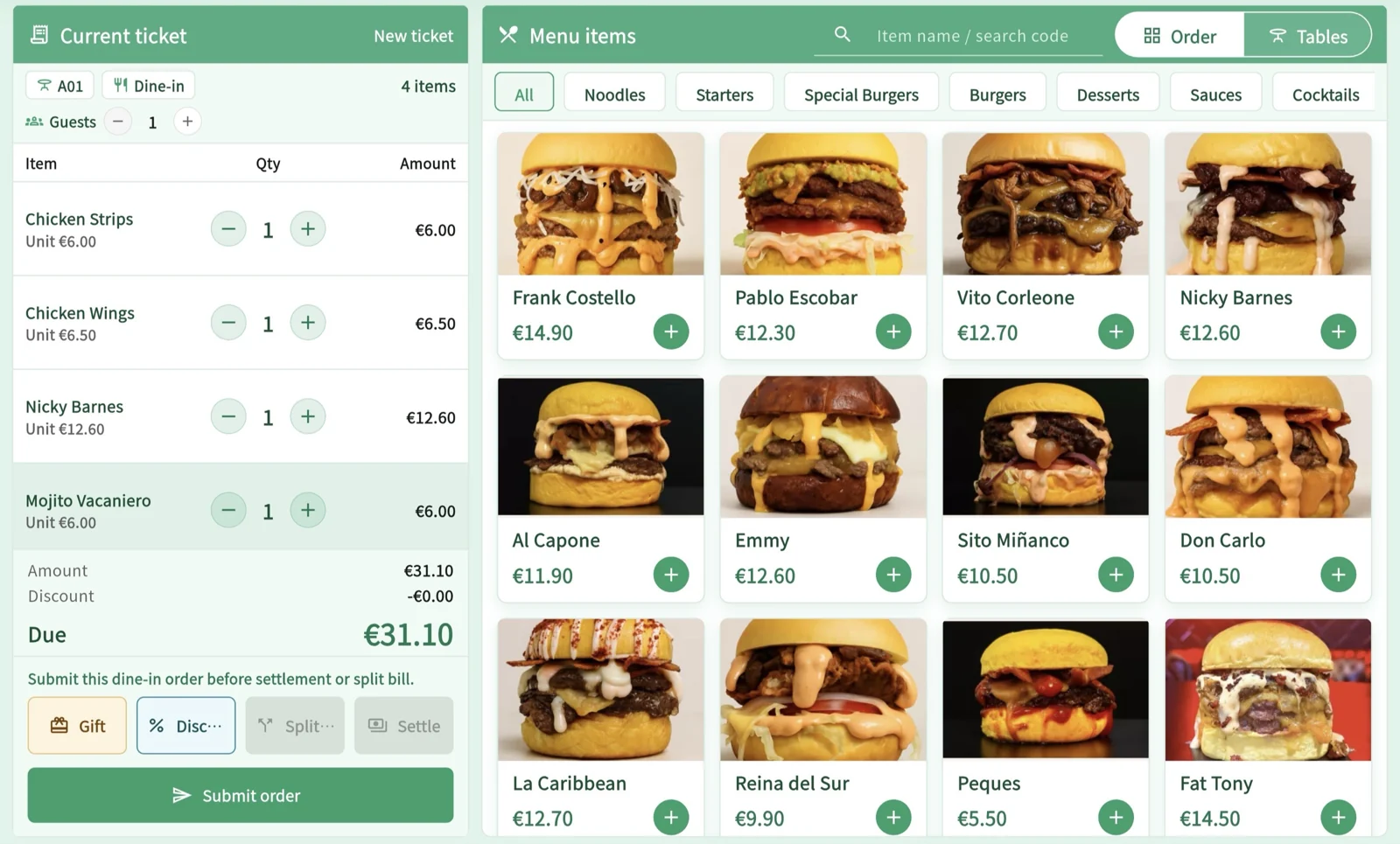
Keep table orders, bill splitting and eligible member benefits together at checkout.
Learn moreStaff ordering
Help servers take orders at the table and follow up guest requests.
Learn moreKitchen KDS
Give each kitchen station a clear view of the dishes it needs to prepare.
Learn morePickup display
Show guests which ready orders are being called for collection.
Learn moreMerchant dashboard
Manage each restaurant’s opening hours, ordering channels and staff access from one workspace.
Learn more
Guests & menus
Let guests explore the menu and order together from their own phones.
Ordering & preparation
Keep table orders, bill splitting and eligible member benefits together at checkout.
POS checkout
Keep table orders, bill splitting and eligible member benefits together at checkout.
Staff ordering
Help servers take orders at the table and follow up guest requests.
Kitchen KDS
Give each kitchen station a clear view of the dishes it needs to prepare.
Pickup display
Show guests which ready orders are being called for collection.
Kitchen and receipt printing
Set print rules, templates and destinations for each document’s purpose. Available workflows depend on compatible printers, the execution method and restaurant configuration.
Management & equipment
Manage each restaurant’s opening hours, ordering channels and staff access from one workspace.
Merchant dashboard
Manage each restaurant’s opening hours, ordering channels and staff access from one workspace.
Loyalty & promotions
Connect member recognition with coupons and promotions that fit the order.
Restaurant reporting
Review daily activity and give your team the access they need.
Devices & payments
Check hardware and payment options.
What you can set up, and what to check first.
For independent restaurants and small groups of locations. Choose the features in your plan and check the equipment and services your business needs before subscribing.
- Menus and ordering
- Import and translate drafts with AI, then review them before publishing. Allergen filtering uses the restaurant’s declarations; missing information does not mean absence. Per-channel peak controls can limit new orders or ask the guest to confirm before continuing.
- Till and kitchen
- Connect orders, cash collection, refunds and table clearing with Android. Use printed preparation tickets and enabled KDS stations. Taking payment does not confirm that food is ready.
- Checked equipment
- Physical printing checks cover two 80 mm printers connected over a local network. They do not cover every model or USB and Bluetooth connections. Confirm your model, connection and print executor before buying equipment.
- Payments and fiscal scope
- Online payments depend on provider onboarding and terms. The platform’s 0% order commission does not remove provider fees. Confirm your country’s fiscal requirements separately before using the till; this page does not establish fiscal validation.
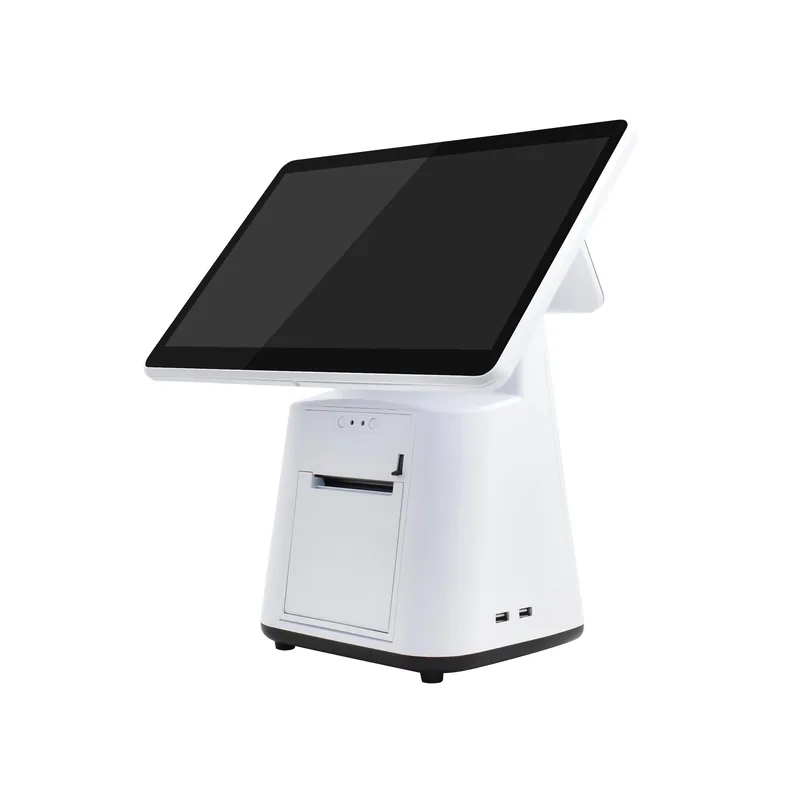
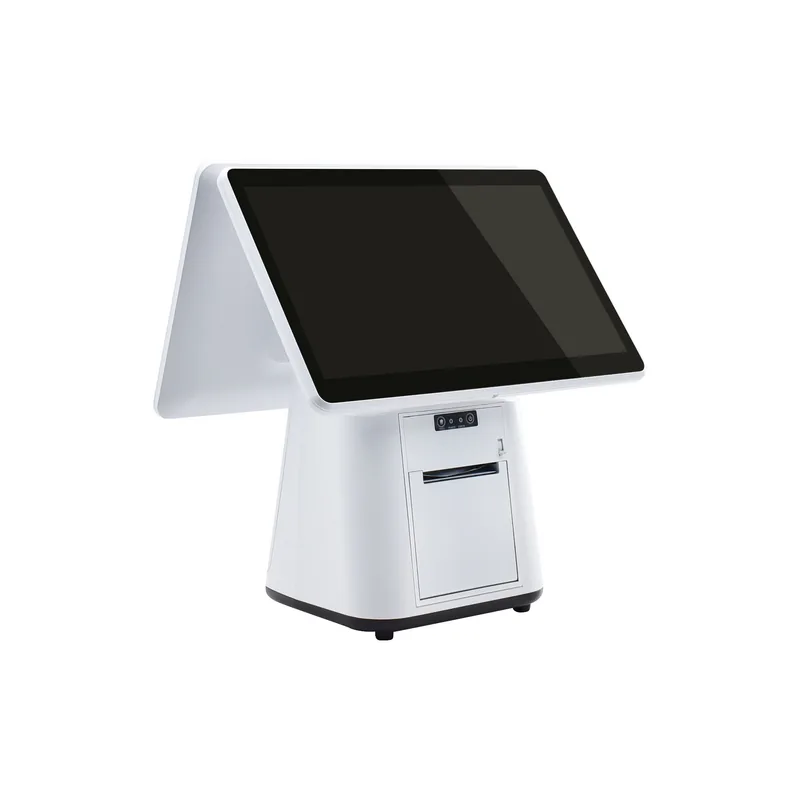
Android POS terminals
15.6-inch main display, built-in 80 mm receipt printer. Dual-screen options with a small or large customer display for ordering and checkout with MenuSnap.
Try ordering as a guest first.
Explore the menu and choose a dish. Then create a free account or talk to us about a multi-location setup.