 English
 Español
 Català
 Français
 Deutsch
 Italiano
 Português
 Nederlands
 Dansk
Dansk Suomi
Suomi Norsk
Norsk Svenska
 Polski
 Čeština
 Română
 Ελληνικά
 Türkçe
 Українська
 Русский
 العربية
 हिन्दी
 ไทย
ไทย Bahasa Indonesia
 Bahasa Melayu
 Filipino
 Te reo Māori
 Tiếng Việt
 日本語
日本語 한국어
한국어 简体中文
简体中文 繁體中文
繁體中文Guests order, staff can still help
Guests can order by phone or ask staff to enter an order at the POS, according to how they prefer to be served.
Give guests a way to choose dishes and order from their own phones while staff focus on service. The table QR opens MenuSnap in the browser; dishes, options and notes arrive together for your team to handle.
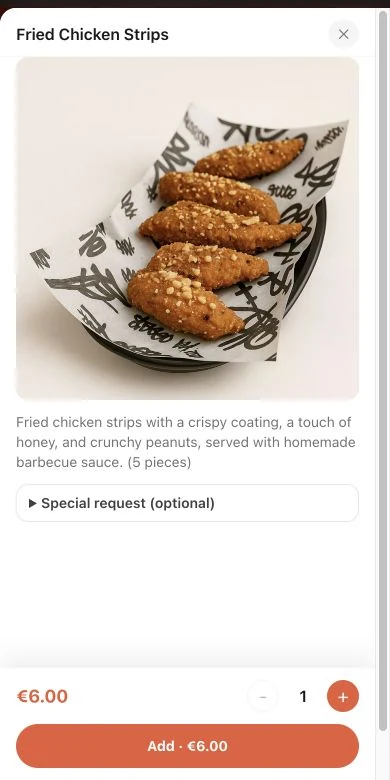
Guests can order by phone or ask staff to enter an order at the POS, according to how they prefer to be served.
Each table can use its own QR code, helping the team understand where the order should be served and reducing follow-up questions.
Kitchen tickets and customer receipts can be printed according to the plan, compatible devices and restaurant configuration.
The QR opens the menu in the browser and can carry a table or pickup context according to the configured entry point.
Guests read dish and allergen information, select options and quantities, and add notes.
Items, options, table details and notes reach the restaurant without staff copying them again.
Staff handle orders in the POS and enabled kitchen display system (KDS) or printing workflow, according to the plan and configuration.
No. Guests scan the QR code and order from the browser on their own phone.
Yes. Guests can join the table ordering flow from their own phones. Each guest should check the table and their selected items before submitting. Staff can review the table order in POS; splitting the bill is a separate checkout action, not a guarantee that every guest has already paid.
Yes. MenuSnap also includes cashier workflows so staff can place orders when a guest prefers traditional service.
Yes. Orders can move into KDS or printing workflows according to the restaurant setup and plan.
No. The system is designed around dine-in and pickup, with additional delivery capabilities depending on plan and configuration.
Updated
Start using MenuSnap to make dining better and running your restaurant easier.