

Restaurant insights

Practical ideas for multilingual menus, QR ordering and restaurant service.

How to Hand Off Open Bar Tabs: Reconcile Items, Payments Received, and Follow-Ups by Check

You don’t need to rush guests who are still dining to settle their checks during a bar shift change. For each check, hand over the guests’ current location, the latest round, items served and still outstanding, verified payments, and the next person responsible. Handle seat changes, partial payments, and questions about a check separately so the next shift has what it needs to continue service.

Read more
Multilingual Menus for Barcelona Restaurants: Use Local Dish Information Cards to Explain What a Portion Includes

When serving travelers unfamiliar with local dishes, keep the dish name and explain its ingredients, preparation, unit of sale, portion size, and what is included. Use a dish information card to organize confirmed facts, then check whether guests can distinguish an individual portion from a sharing portion and separately ordered accompaniments. Language helps explain the dish; it does not replace the kitchen’s judgment about the recipe.

Read more

Managing Queues at a Breakfast Café: Separate Ordering, Payment, and Pickup

First observe which step at the breakfast counter is being interrupted. Make menu details available before payment, and move pickup and order-status questions out of the payment line. Even a small counter can separate tasks, with one employee moving on to the next task after completing the current order. When coffee and hot food are handed out separately, track what has been served and what is still to come under the same order.

Read more

Cafés on the Camino de Santiago: Use a Food Service Information Card to Explain Whether Travelers Can Stop and How to Collect Food

Travelers making a short stop need to know what’s available now, when orders close, whether takeaway is offered, and what facilities are available for breaks and luggage. Keep this information separate from opening hours and consistent at the entrance, counter, and on the mobile menu. Guests in a hurry can decide whether to wait or choose something else based on what the kitchen is currently preparing.

Read more

How to Transition to a New Restaurant POS System: Keep Existing Checks by Table and Switch in Stages

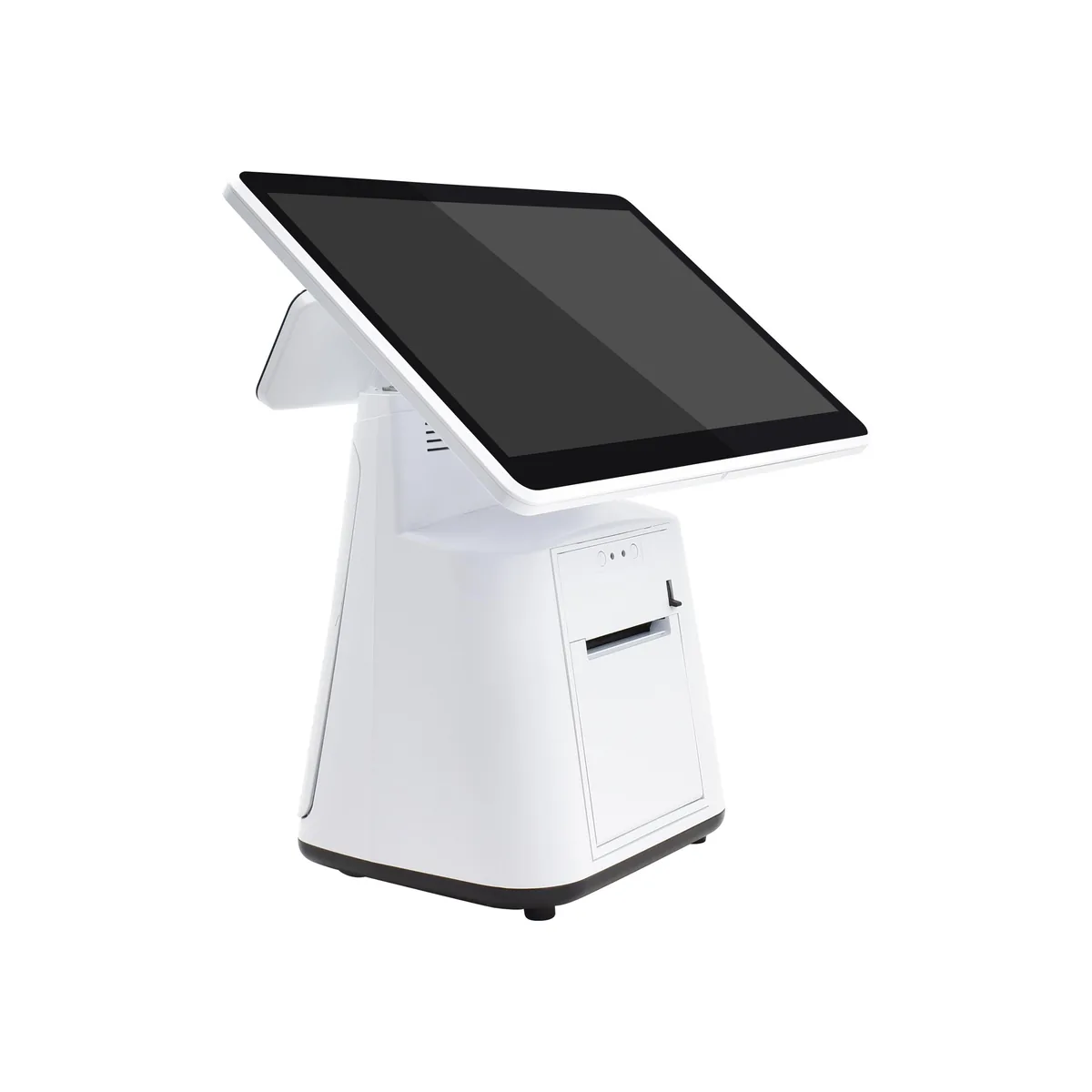
When changing how you take orders or process sales, first decide which part of the workflow will change, then proceed in stages: prepare the menu, launch on a limited basis, expand, and retire the old system. Specify when to continue or pause at each stage. Keep checks opened under the old system on their original order record through to completion, and hand over outstanding items and historical records separately.

Read more

Can Your Existing Phones, Tablets and Computers Keep Handling Checkout? Start with a Role-by-Role Equipment Audit

First list the tasks for mobile ordering, fixed checkout, kitchen viewing, and sending print jobs. Then record each existing device’s operating system and version, power, connectivity, person responsible, and evidence of compatibility. Separate equipment that can stay in use, needs adjustment, or remains unverified. Decide what to buy based on actual equipment gaps for each role—not simply because a device turns on or has the same connector.

Read more

How to Respond to Guests with Dietary Requirements: Check the Ingredient Information, Then Confirm with the Person in Charge

When a guest asks about an allergy, intolerance, vegetarian food or another dietary requirement, first clarify the dish and the specific concern. Then check the current recipe, supplier information and preparation conditions, and have front-of-house staff give a complete response. Use an information reference card to note where the supporting details can be found, who maintains them and what remains unclear. Notes and translations pass on information; they do not guarantee that a request can be safely accommodated.

Read more

Preventing Dine-In and Takeout Mix-Ups: Check Against the Same Order Before Sealing Bags or Serving

Match the order number to the table or pickup identifier, then check the items, sizes, number of bags, separately packed drinks, and what has or has not been handed over. Confirm the service type when taking the order, check the actual items before handoff, and when an order switches to takeout, first check what has already been made and served. Make sure the next staff member can also see what is still missing and who it should go to.

Read more

How to Keep Menu Photos Honest: Check Real Portions, Inclusions, and AI Edits

Match each menu photo to an actual serving size, then check the main ingredients, quantities, sides, and what the price includes. When using AI enhancements, keep the original and proposed image side by side. Have kitchen staff check the dish and front-of-house staff consider how guests may interpret it. Send unexplained changes back for a new photo; don’t let visual appeal replace accuracy.

Read more

How to Take Orders When Guests Don’t Scan a QR Code: Paper Menus, Staff-Entered Orders and Mobile Orders Side by Side

Ordering without a phone should be a normal option. Offer a paper menu and staff assistance when guests are seated. When a mobile order is handed over to staff, first check whether it was submitted; when a table uses mixed ordering methods, enter only what’s new. Have front-of-house staff proactively return to the table, and keep prices, options and availability consistent across paper and mobile menus.

Read more

What to Do When Your Restaurant Suddenly Loses Internet: Number Orders Manually and Reconcile Preparation and Payments After Service Returns

When the connection drops, stop resubmitting orders with uncertain outcomes and avoid charging customers again. Have one person coordinate front-of-house, kitchen and cashier updates, keeping separate records of existing orders, new requests, items prepared and payments received. Give paper tickets a consistent manual number. Once the server connection returns, check the latest system status first, then reconcile what was delivered and paid, and add only missing records. Hand off any outstanding items individually to the next shift.

Read more

KDS or Printer for a Small Kitchen? Use a Station-by-Station Checklist to Decide How to Handle Orders

Start by identifying which stations need information, then choose screens, paper tickets, or both. Consider a KDS when staff need to share progress and someone can keep it updated; consider printers when tickets need to move with the work. If using both, assign a single person or station responsibility for making each item. Use the blank decision checklist to record placement, access, order coordination, and maintenance needs instead of assuming that more equipment means faster service.

Read more
Live demoStart free




























