

Restaurant insights

Practical ideas for multilingual menus, QR ordering and restaurant service.

How to Describe What’s Included in a Breakfast Combo: Check Photos, Standard Items, and Add-On Prices

List the basics included in a breakfast combo first, then clearly distinguish required choices, substitutions, and items available for an extra charge. Check photos against the same item checklist. Use a combo review card to check each category, description, printed menu, and enabled language. If a guest says something is missing, first check the order’s specifications and what was served, then determine whether an included item was omitted or the menu display caused a misunderstanding.

Read more
How to Order Shared Snacks: Clarify Portions First, Then Confirm Who Submits the First Round

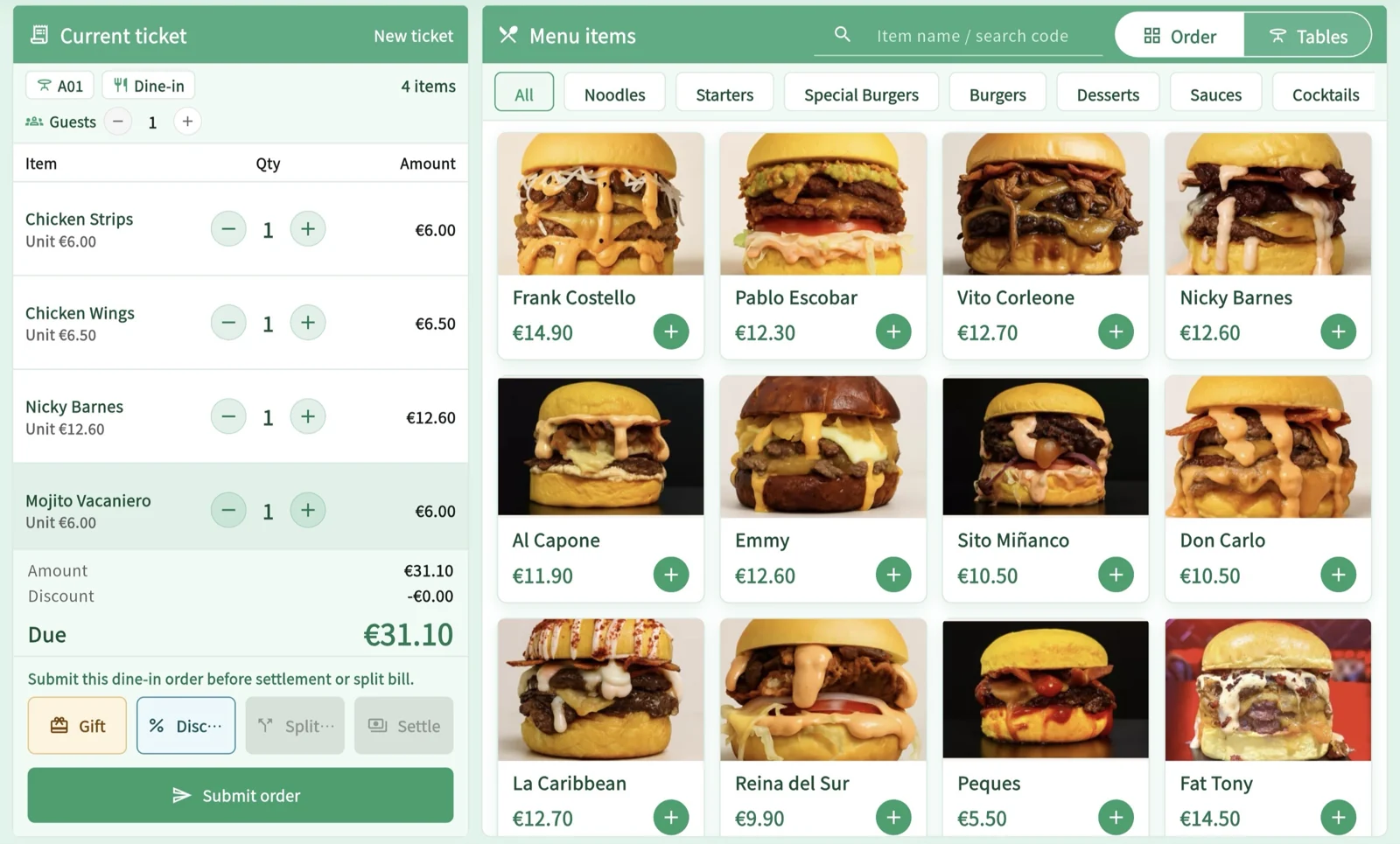
For shared snacks, clarify whether each serving is sold by the plate or by the piece, the selected portion size, and what sides are shown in the photo. Then have the table confirm the shared order for the first round and who will submit it. A portion information card and first-round list record serving facts and customer intent separately. If the same dish appears again, check the existing order and preparation status first; don’t delete or reorder based on the dish name alone.

Read more

How to Record Snacks Picked Up at the Counter: Distinguish Browsing, Items Already Served, and New Orders

When guests have already picked up snacks at the counter, use the original order record for the handoff to table service rather than entering the items as still to be made. Keep browsing item details, recording items already picked up, and ordering additional freshly made items separate. Use a handoff record card to check the items, quantities, original order reference, and amounts paid or still due. Food tags and empty plates can help staff locate records, but do not mean the system has counted anything automatically.

Read more

Phone Dead, QR Ordering Interrupted? Check Submission Status Before Staff Take Over

If a guest’s phone dies or the screen goes black, staff should first check for an existing order using an authorized POS terminal, then decide whether to continue the original order or help place a new one. Handle unsubmitted, submitted, and unclear orders separately. Paper menus and verbal guidance should provide the same information. Check a single phone outage separately from a restaurant-wide network outage, and never require guests to hand over their personal phones.

Read more

How to Hand Off Order Changes: Check Kitchen Progress, Then Confirm the Change and Bill

When a guest wants to change a dish after ordering, first locate the original item and check its actual preparation status. Then tell the guest what the kitchen can still do and confirm their choice. Use an order-change checklist to record the original order, the new request, the kitchen’s response, and the final decision. Verify preparation, the food actually served, the bill, and any refund separately; a successful save at the front counter does not mean the kitchen has stopped preparing the dish.

Read more

How to Split a Shared Meal: Check Each Share, Payments Received, and Any Balance When Someone Leaves Early

First, have guests agree which costs each person will cover individually and which they will share, then split the bill using a method the current bill supports. Use a per-share payment record to track the agreed amount, terminal result, system entry, and remaining balance separately. If more items are added after someone has paid, staff should check the bill status first. Do not automatically recalculate paid shares or treat changes to figures on paper as a substitute for a refund.

Read more

How to Serve Guests Arriving in Groups: Track Each New Round and Undelivered Items in Order

When guests arrive in groups, keep the first guests’ original order and check each later arrival’s requests and payment arrangements separately. Update one shared service record as guests are seated, join the table, add items, move seats, or leave early. Distinguish items added in the current round from earlier items not yet served. A change in party size does not automatically combine bills, and one person’s payment does not mean the whole table is settled.

Read more

How to Check Dietary Requirements with the Kitchen: An Inquiry and Response Card for Inn Dinner Service

When guests mention dietary restrictions, first ask which dishes and ingredients they mean, then check the current recipe, supplier information and preparation conditions. If something cannot be confirmed, clearly say what is unknown. The inquiry card records verified facts, unanswered questions and who will follow up. Translation can help with understanding, but changing an ingredient or removing food from a plate does not automatically prove that a requirement has been met.

Read more

How to switch when lunch set-menu service ends: distinguish browsing, pending orders and accepted orders

When lunch set-menu service is about to end, first check what is still available and the status of each order. Do not treat the time a guest opened the page as a reservation. Handle orders that have not been submitted, have been submitted but are awaiting confirmation, or have been accepted separately. Then use a set-menu breakdown card to explain the starter, main course, drink and after-meal options. Check the subscription for service-period features, and do not treat a guest’s requested departure time as a delivery guarantee.

Read more

Checking Multilingual Takeout Orders: Match the Pickup Identifier, Then Check Each Drink’s Specifications

For multilingual takeout orders, first match the order to a pickup identifier the customer can read, then confirm the milk, temperature, cup size, and quantity for each drink. If glare makes the screen hard to see or the customer cannot hear their number, offer a paper slip, explain verbally, or remind them in person. Even when the identifier matches, check the specifications. If drinks are handed out before hot food is ready, explain what is still waiting; never use a similar-looking cup or a nearly matching number as proof that an order is theirs.

Read more

Can an Older Tablet Work as a Restaurant POS? Check Role, Version, and Connection Requirements

To determine whether an existing tablet can handle checkout, check its intended role, operating system and browser or native app version, permissions, internet access, and printer and payment connections. Use a device assessment sheet to record confirmed requirements and gaps, then decide whether to continue with the current setup, limit what you offer, or switch over. Being able to open the login page does not mean the full workflow will work, and hardware is not included in the subscription.

Read more

How to Handle Breakfast Pickup When Guests Are in a Hurry: Check Preparation Status First, Then Explain Pickup Options

For a breakfast pickup when a guest is in a hurry, first ask when they need to leave, whether they want the whole order at once, and whether they can accept drinks first. Then check the current status with the kitchen. Explain the available options depending on whether preparation has not started, is underway, or is complete but the order has not been consolidated. For split pickups, keep a collection slip for the items still to be picked up. Do not guarantee an estimated time. Any item removals or refunds must be checked against the actual outcome by an authorized staff member.

Read more
Live demoStart free




























